How to Spot AI-Generated Images, Video and Voice Clones
How to spot deepfakes and AI-generated media: visual tells in images and video, signs of voice clones, verification tools and how to protect yourself.

How AI video generators work, what they can and can’t do, prompt tips for better clips, costs, and the rules on consent, copyright and labelling.
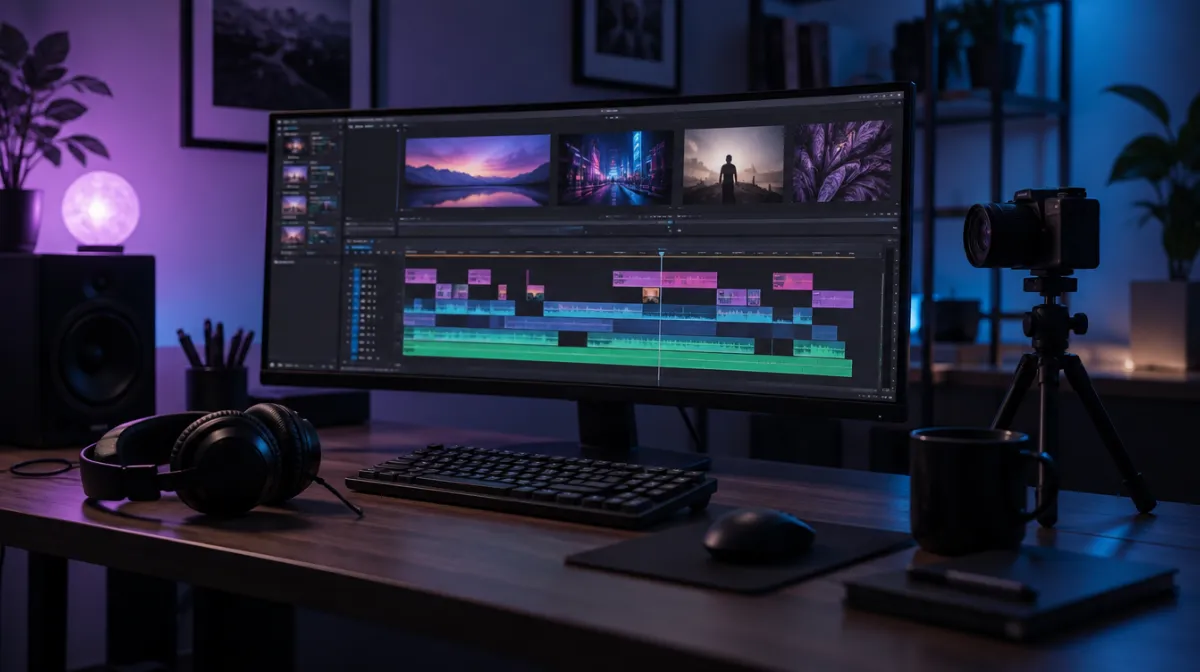
AI video generators can turn a sentence into a moving shot of a city at dawn, animate a still photo or put a digital presenter in front of a script. The best clips look startlingly real. But the tools still have clear limits, credits run out quickly, and realistic synthetic video raises serious questions about consent and trust. Here’s what they do, how to get better results and where the lines are.
| Type | What it does | Good for |
|---|---|---|
| Text-to-video | Generates a clip from a written prompt | Concepts, b-roll, mood shots |
| Image-to-video | Animates a still image you provide | Consistent style, product or scene shots |
| Video-to-video | Restyles or edits existing footage | Effects, changing style or setting |
| Avatar video | A digital presenter speaks your script | Training videos, explainers |
| AI editing features | Cut silences, captions, reframing, noise removal | Speeding up normal editing |
Many tools now generate sound effects, music or dialogue alongside the picture, and editing apps increasingly build generation into the timeline.
Most video generators use diffusion models, the same family of techniques behind AI image tools. The model starts from random noise and gradually refines it into frames that match your prompt, learning from vast amounts of video how objects look and move. Keeping each frame consistent with the last is the hard part, which is why clips are usually short and why details drift over time. Our guide to image prompts explains the image side.
Describe a shot the way a director would.
Wide shot, slow push in. A fishing boat leaves a small
harbour at sunrise, gulls circling overhead. Soft golden
light, calm sea, gentle mist. Photorealistic, documentary
style, no text.
For consistency across shots, generate or choose a still image first, then animate it with image-to-video, reusing the same reference image and style description.
Most services charge in credits, and higher resolutions, longer clips and premium models use more. Expect to generate several versions for each usable shot. Free tiers are useful for testing but often add watermarks or limit resolution; see our best free AI tools. Some open models can run locally on a powerful graphics card; see best GPUs for local AI.
Realistic synthetic video can mislead, and some uses cause real harm.
If you’re on the viewing side, our guide to spotting AI-generated images, video and voice clones shows what to look for.
Not in one go with consistent quality. Tools generate short clips that you edit together, often combined with real footage, narration and music.
Often yes, depending on the tool’s licence, but avoid real people’s likenesses without consent, protected characters and misleading content.
Use image-to-video with the same reference image, keep the description identical and change only the action or camera movement.

Every article is edited by a human and checked against our editorial policy. Spotted a mistake? Tell us.
How to spot deepfakes and AI-generated media: visual tells in images and video, signs of voice clones, verification tools and how to protect yourself.
How AI voice cloning works, how scammers use cloned voices in fake emergency calls, the warning signs, and steps like family safe words to protect yourself.
Why AI writing detectors are unreliable, how false positives harm students and writers, what the research says, and better ways to verify authorship.