How to Run AI Models Locally: A Beginner’s Guide
How to run AI language models on your own computer: why you might, hardware needs, beginner-friendly tools, choosing and quantizing models, and limits.

How to choose a GPU for local AI: why VRAM matters, how model size and quantization affect memory, consumer vs pro cards, Apple Silicon and budget tiers.
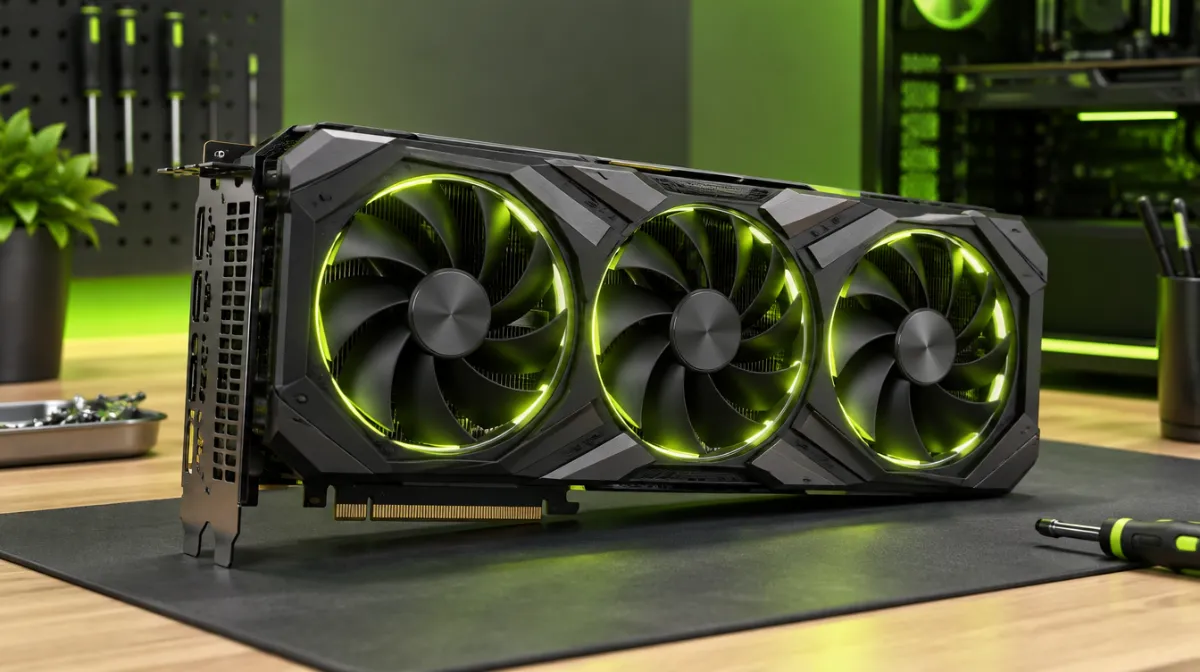
If you want to run AI models on your own computer, the graphics card matters more than any other part. But the spec that matters most isn’t the one advertised loudest.
A model has to fit in memory to run quickly. On a PC, that means the graphics card’s memory (VRAM). If a model doesn’t fit, it spills into slower system memory and speed drops dramatically.
A rough rule: memory needed ≈ number of parameters × bytes per parameter, plus overhead for context.
| Model size | Approx. memory at 16-bit | Approx. memory at 4-bit (quantized) |
|---|---|---|
| 7–8 billion parameters | ~14–16 GB | ~4–6 GB |
| 13–14 billion | ~26–28 GB | ~8–10 GB |
| 30–34 billion | ~60–68 GB | ~18–22 GB |
| 70 billion | ~140 GB | ~40–45 GB |
These are ballpark figures; longer contexts need more memory. Quantization, explained in our guide to running AI models locally, is what makes local AI practical.
| Budget | Typical VRAM | What it runs comfortably |
|---|---|---|
| Entry | 8 GB | Small quantized models |
| Mid-range | 12–16 GB | 7B–14B quantized models, with room for context |
| High-end consumer | 24 GB or more | Larger quantized models, faster generation |
| Workstation / multiple GPUs | 48 GB+ | Very large models |
Macs share unified memory between CPU and GPU, so a Mac with lots of memory can load models that wouldn’t fit on many consumer graphics cards. Speed is lower than top GPUs but often very usable.
If several people will use your local model, think about throughput and caching as well as hardware. If you plan to answer questions from your own documents, budget extra memory too: those documents are fed into each prompt, and longer context needs more VRAM.
Yes, small models run on CPU and RAM, but much more slowly. For occasional use, the free cloud AI tools need no special hardware at all.
For local AI, usually yes: fitting the model in VRAM matters more than raw speed.
Around 8–12 GB is a comfortable starting point for small quantized models.

Every article is edited by a human and checked against our editorial policy. Spotted a mistake? Tell us.
How to run AI language models on your own computer: why you might, hardware needs, beginner-friendly tools, choosing and quantizing models, and limits.
Practical prompt engineering: the six elements of a strong prompt, techniques that reliably improve answers and ten copy-ready templates for everyday work.
How to spot deepfakes and AI-generated media: visual tells in images and video, signs of voice clones, verification tools and how to protect yourself.