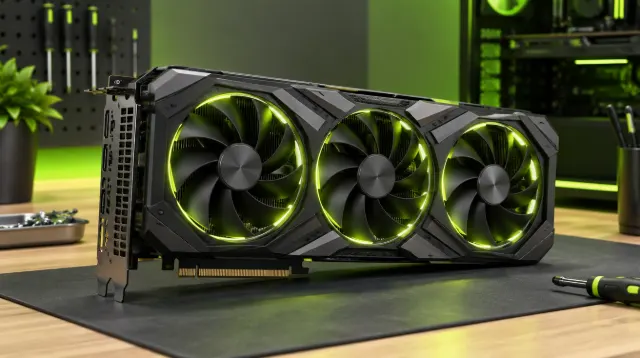
Best GPUs for Running AI Locally: What Really Matters
How to choose a GPU for local AI: why VRAM matters, how model size and quantization affect memory, consumer vs pro cards, Apple Silicon and budget tiers.

How to run AI language models on your own computer: why you might, hardware needs, beginner-friendly tools, choosing and quantizing models, and limits.
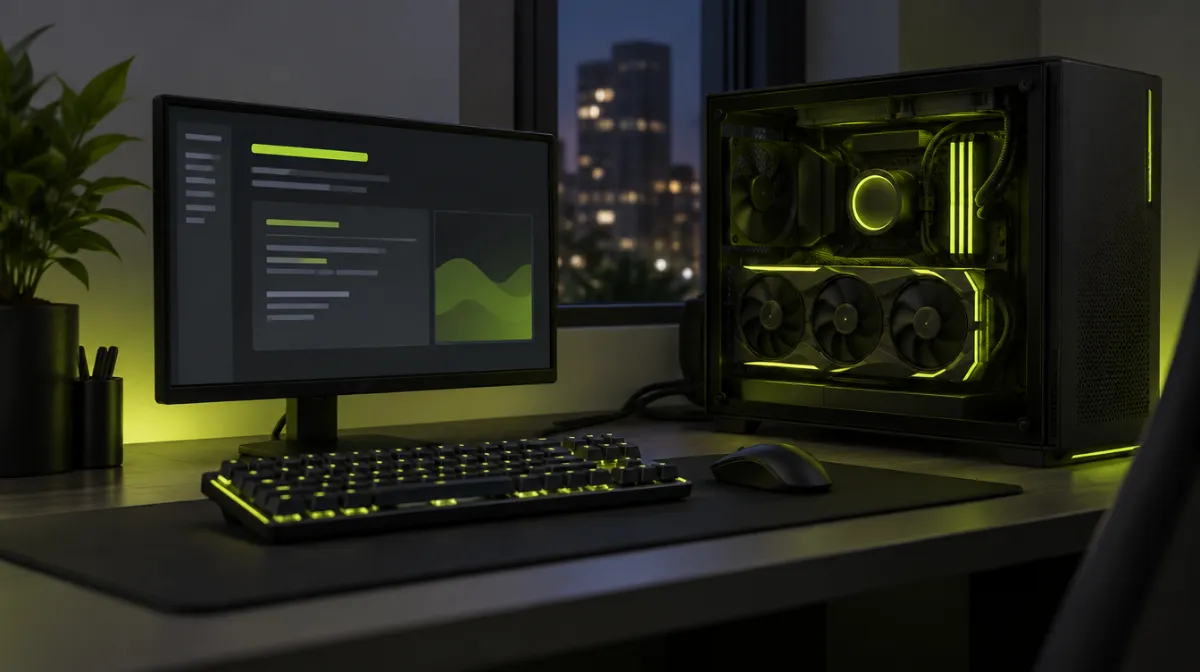
You don’t need a data centre to use AI. Open models that run on a laptop or desktop have improved dramatically, and easy tools now let you download and chat with one in minutes. Here’s what you need to know to get started.
The trade-offs: local models are usually less capable than the largest cloud models, they need decent hardware, and you are responsible for setup and updates.
The key question is memory. The model has to fit in your graphics card’s memory (VRAM) for fast performance, or in your system RAM for slower performance. Our GPU buying guide for local AI explains what to prioritise.
| Setup | What it can typically run |
|---|---|
| Laptop with 8–16 GB RAM | Small models (a few billion parameters), slower responses |
| Apple Silicon Mac with 16–32 GB unified memory | Small to mid-sized models, often with good speed |
| PC with a GPU with 8–12 GB VRAM | Small to mid-sized quantized models at good speed |
| PC with a GPU with 24 GB+ VRAM | Larger quantized models comfortably |
These are rough guides: speed and what fits depend on the model, its size and how it’s compressed.
Model size is measured in parameters, for example 7 billion (7B). More parameters generally means more capable, but also more memory.
Quantization compresses a model by storing its numbers at lower precision, for example 4-bit instead of 16-bit. A 4-bit quantized model needs roughly a quarter of the memory of the full-precision version, with a modest drop in quality. That is what makes local AI practical on ordinary computers.
Start small, test on your real tasks and move up in size if you need better answers.
Running a model for several people on a shared machine raises new problems: slow responses when many people ask at once and repeated work for identical questions. Techniques like caching repeated responses help a lot; Backend Architect’s guide to caching patterns explains the approaches engineers use. To let the model answer from company documents, add retrieval-augmented generation (RAG).
Your prompts stay on your device when you run a model locally, but check each tool’s settings, since some offer optional cloud features or telemetry.
Yes. Small models run on CPU and RAM alone, but more slowly. Apple Silicon Macs perform well thanks to unified memory.
The largest cloud models are generally more capable, but local models are good enough for many tasks, especially with careful prompting.

Every article is edited by a human and checked against our editorial policy. Spotted a mistake? Tell us.
How to choose a GPU for local AI: why VRAM matters, how model size and quantization affect memory, consumer vs pro cards, Apple Silicon and budget tiers.
Practical prompt engineering: the six elements of a strong prompt, techniques that reliably improve answers and ten copy-ready templates for everyday work.
How to spot deepfakes and AI-generated media: visual tells in images and video, signs of voice clones, verification tools and how to protect yourself.