Prompt Engineering: A Practical Guide With 10 Templates
Practical prompt engineering: the six elements of a strong prompt, techniques that reliably improve answers and ten copy-ready templates for everyday work.

How to write AI image prompts that work: subject, style, composition, lighting, colour and mood, with before-and-after examples, templates and common mistakes.
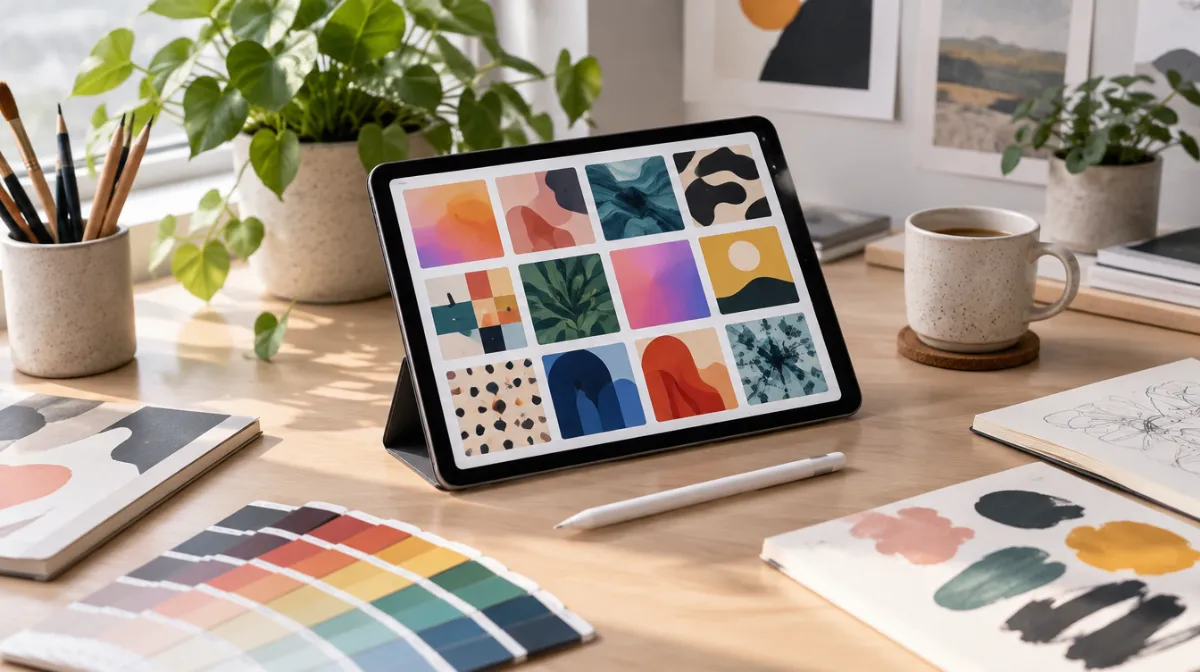
Image generators respond to specific, visual language. The difference between a generic result and a striking one is usually a few well-chosen details. Here’s a structure that works across most tools.
| Weak prompt | Better prompt |
|---|---|
| “A nice coffee picture” | “Close-up photo of a speckled ceramic coffee mug on a worn oak table, steam rising, soft morning light from a window, shallow depth of field, warm muted tones” |
| “Logo for a bakery” | “Flat vector icon of a simple wheat stalk inside a circle, one colour, bold shapes, no text, white background” |
| “Futuristic city” | “Wide-angle 3D render of a green futuristic city with rooftop gardens, sunset light, calm hopeful mood, no people” |
Label AI-generated images where it matters, check usage rights and never create misleading images of real people or events. Our guide to spotting AI-generated images and deepfakes explains why this matters. For text prompts, see our prompt engineering guide.
Many generators struggle with text. Ask for “no text” or add text afterwards in a design tool.
One or two detailed sentences is usually enough. Longer isn’t always better.
It depends on the tool’s licence. Check the terms before commercial use.

Every article is edited by a human and checked against our editorial policy. Spotted a mistake? Tell us.
Practical prompt engineering: the six elements of a strong prompt, techniques that reliably improve answers and ten copy-ready templates for everyday work.
Fifteen AI prompt templates for marketing: positioning, audience research, ad copy, emails, landing pages, SEO briefs, social posts and campaign analysis.
How to spot deepfakes and AI-generated media: visual tells in images and video, signs of voice clones, verification tools and how to protect yourself.